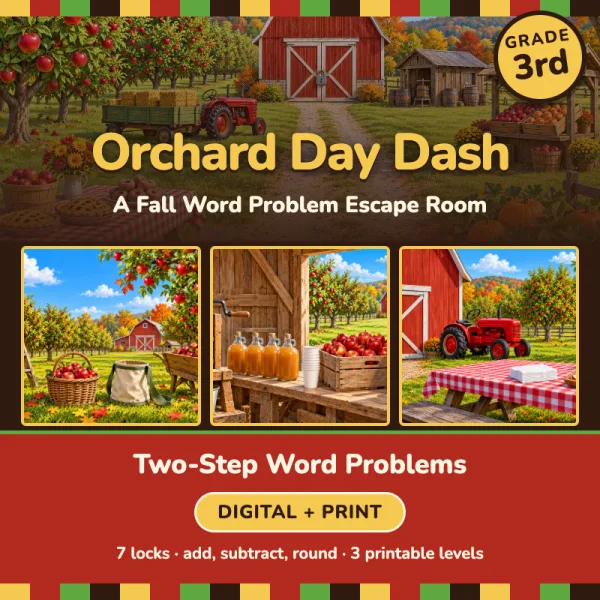
Orchard Day Dash
Word Problem Escape Room
It is Orchard Day at Crisp Creek Orchard! Farmer Nell keeps all the picnic food in the big red barn. This morning the barn doors are shut with seven locks. You are the orchard helpers. Solve the word problems at each stop on the farm to open the locks. Open the barn before the Orchard Day picnic starts at noon!
Bought it on TPT? Type your access code here.
What students practice
- 3.OA.D.8Two-step word problems using the four operations
- 3.NBT.A.1Round whole numbers to the nearest 10 or 100
- 3.NBT.A.2Fluently add and subtract within 1000
- 3.OA.A.3Multiplication and division word problems within 100
Everything for the lesson
- 7 locks in a story room students play in the browser
- Printable version at three levels, with answer keys
- Level 1 support path for students who need an easier start
- Challenge Zone bonus round for early finishers
- Teacher dashboard with live progress, tries and hints
- Up to 150 students a school year on one teacher account
🍎 The Locked Red Barn
- 1The rows of apple trees at Crisp Creek Orchard
- 2The green hay wagon behind the little red tractor
- 3The pumpkin patch at the edge of the orchard
- 4The little wooden cider shed next to the barn
- 5The bake sale table with the red checkered tablecloth
- 6The farm stand with crates of apples and peaches
- 7The big red barn doors
Your class page for this room
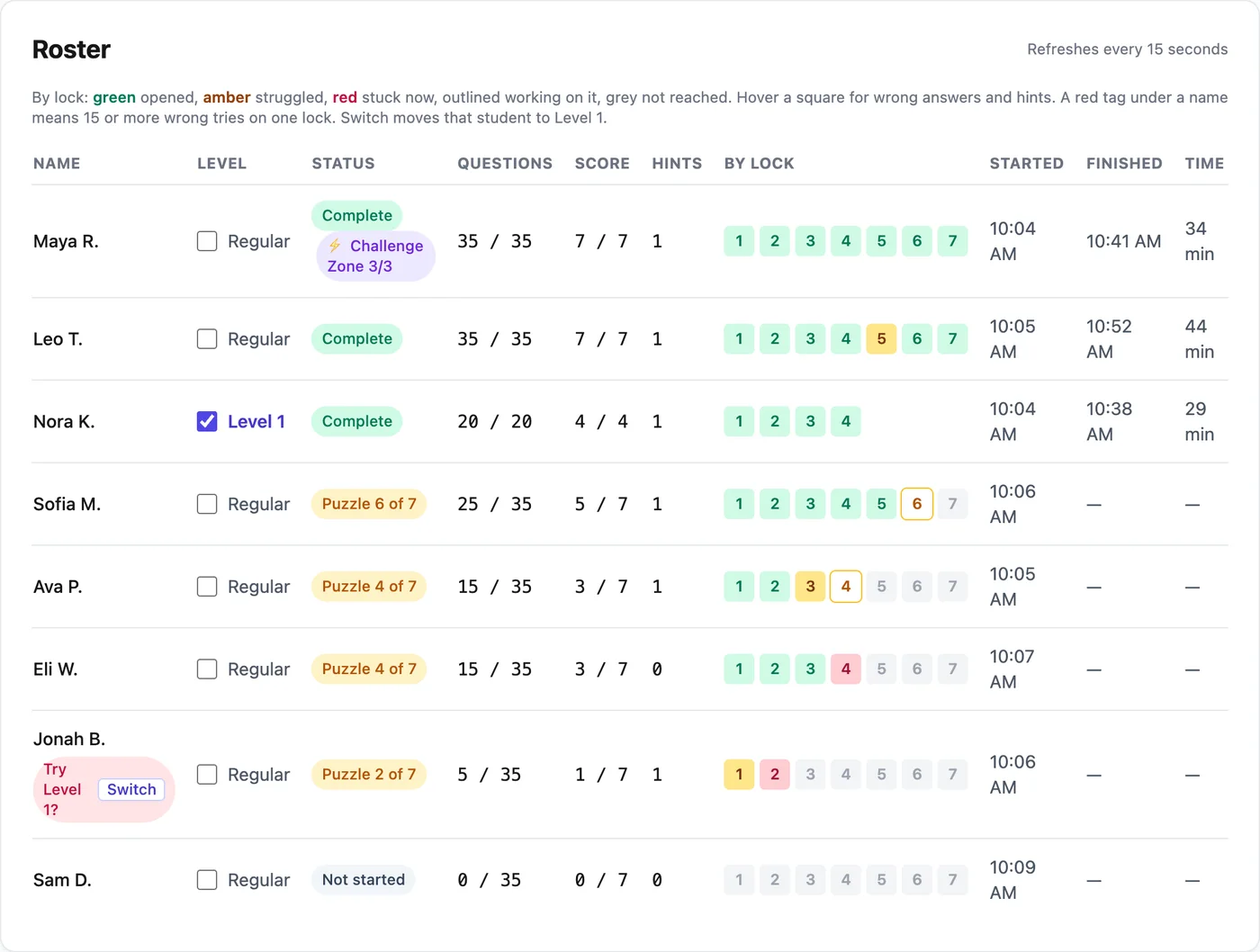
- A live roster with the lock each student is on, their wrong tries and hints
- A skills report that names who struggled on each lock's skill
- Check Level 1 next to a name to give that student a shorter path
- A Challenge Zone bonus round for students who finish early
- Three hints per lock: the rule, a worked example, then a clue
- Finish times that count only minutes spent working
Three steps from code to class.
 1
1Get the room
Bought it on TPT? Type the access code from your PDF on the redeem page. Or buy it here with a card. Either way it lands in your teacher library.
 2
2Students play
Make a class and share the class code. Students type their name and play in the browser, no student accounts. Print the paper version for any student who needs it.
 3
3Watch the dashboard
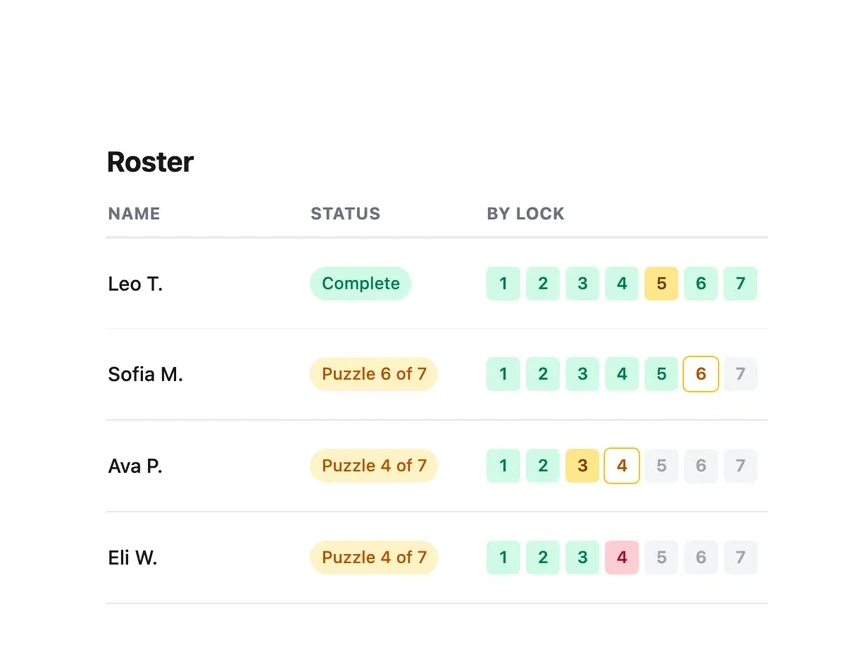
See who is on which lock, how many tries it took and how many hints they used, live. Answer keys and the printable packets are in your library.